
Sketch it first. Build it once.
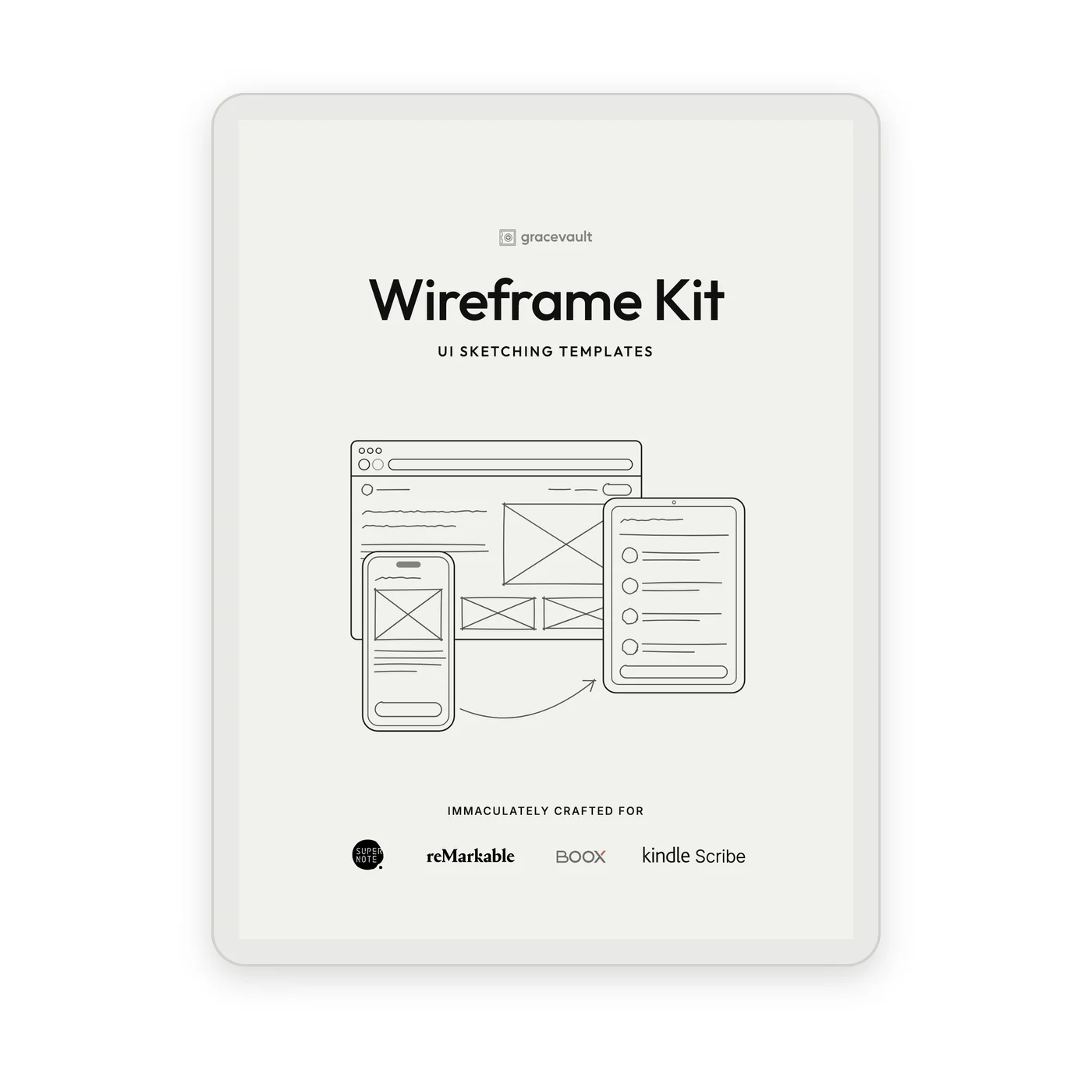
The Wireframe Kit puts real browser, phone and tablet frames on your e-ink tablet. Work out the screen by hand, away from the pixels, and open your design tool when you already know what you're building.
$12.99 $9.99 · Launch price
Notes
Switch pages on the strip at the bottom, or start from the Index.
Get the idea right before the pixels
Design tools ask for decisions too early. The font, the spacing, the exact shade of grey. A pen asks only one thing: does this work?
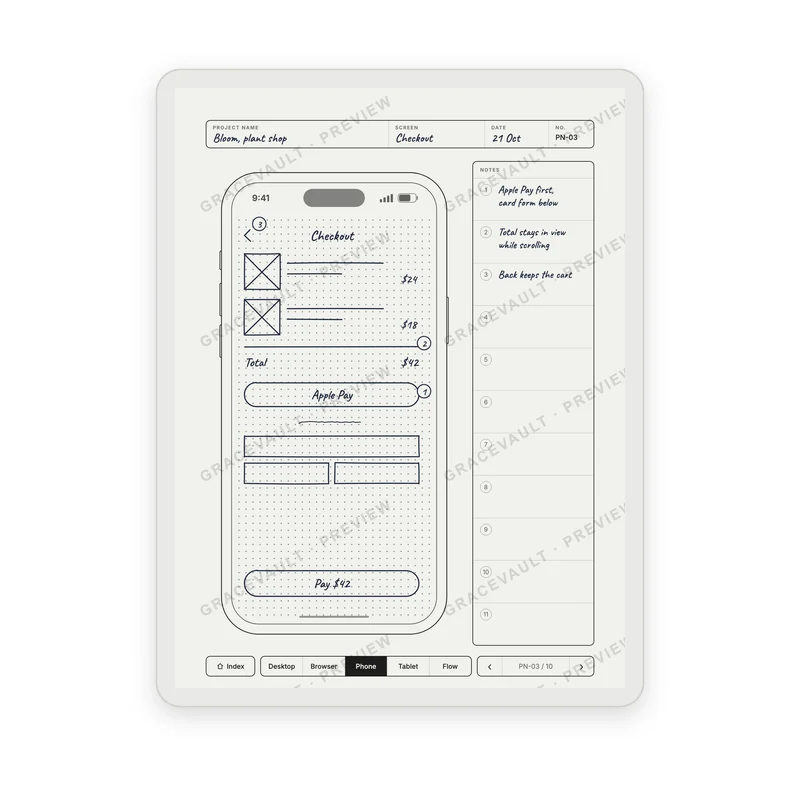
Sketch three versions of a screen in the time it takes to line up one button. Circle what works, cross out what doesn't, and number the parts that need explaining.
By the time you open your laptop, the hard thinking is done.
Find any sketch in two taps
Every section opens with a contents page. Write the project and the screen next to a number, and the number takes you there. The checkout flow from last month isn't forty page flips away. It's two taps.
Step 1
Index
Phone + notes
Step 2
Contents
PN-03 Checkout
Step 3
Page PN-03
your sketch
Step 4
The strip
back in one tap
Every screen you design for
10
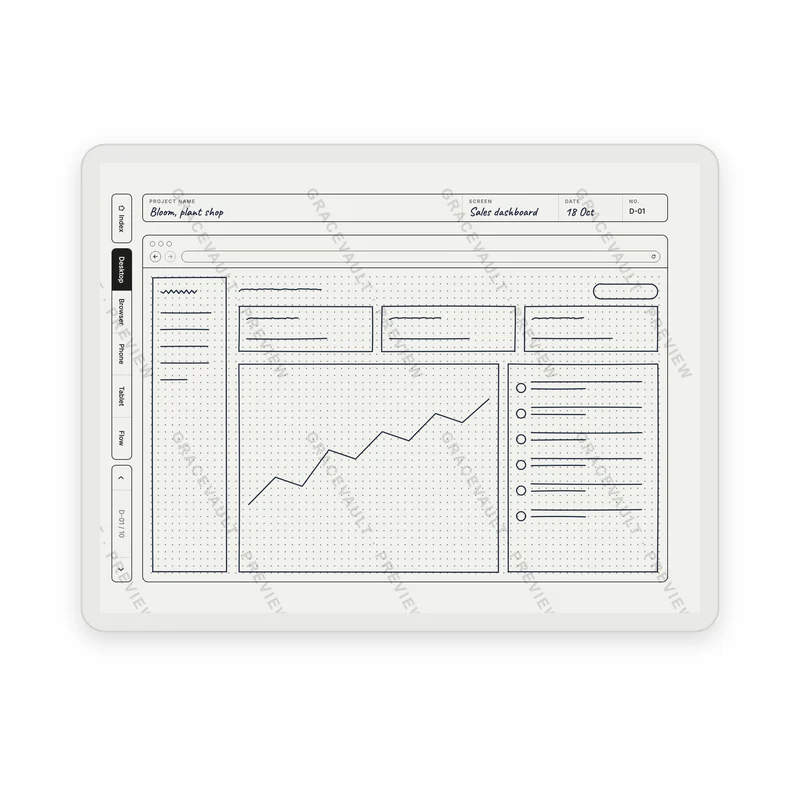
desktop pages, landscape
10
browser pages
10
browser + notes
10
phone screens
10
phone + notes
10
long scrolling pages
10
tablet screens
10
flows, six phones each
Made for how you actually think
It still feels like paper
Medium grey dots that guide your lines and fade behind your sketch, and black frames you can draw right up to.
Notes that point
Draw a number on the sketch and write the why beside it, the way a design review really works.
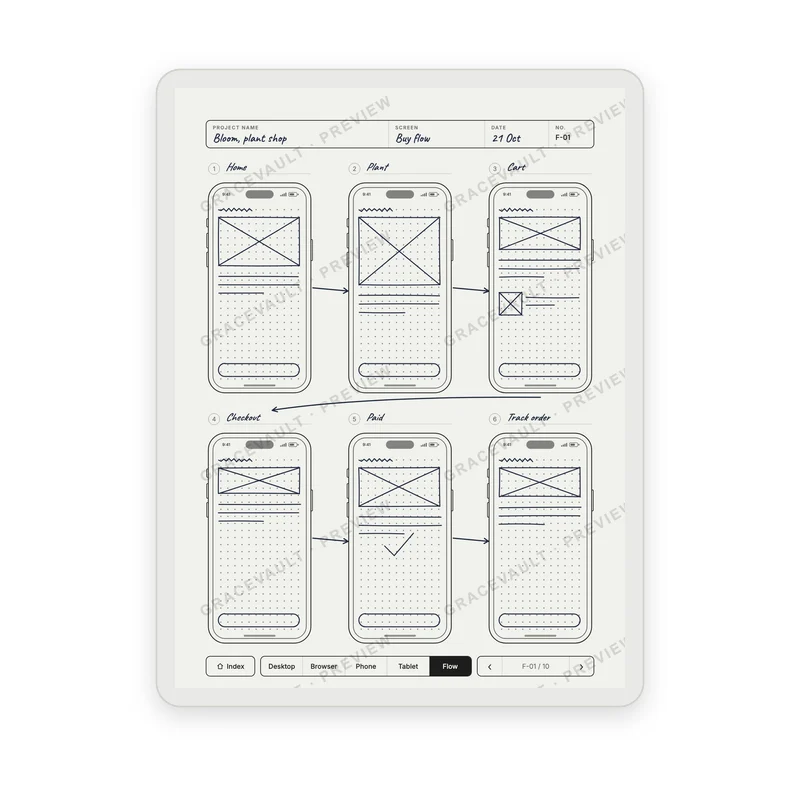
Flows, not just screens
Six phones to a page with room for arrows, and a long page with the fold marked for screens that scroll.
The Wireframe Kit
91 linked pages and every frame as a template. Less than a month of your design tool subscription, paid once, and it never renews.
- The linked kit PDF: 80 pages to sketch on, a contents page for every section
- Every page type as a PNG template for Supernote and Boox Note Air
Works on


$9.99$12.99
Launch price
Secure checkout by
Card or PayPal. Instant download.
Questions
I'm not a designer. Is this for me?
Yes. You don't need to draw well: boxes, lines and a few words make a wireframe. If you've ever explained a screen on a whiteboard, to a developer, a client or yourself, you'll use this.
Which tablets does it work on?
Supernote, Boox Note Air, reMarkable and Kindle Scribe. Their screens share the same shape, so every page fits edge to edge.
Do the links work on my tablet?
Yes on Supernote and Boox: tap a number or the strip and you're on the page. On reMarkable and Kindle Scribe you can sketch on every page of the PDF; how links behave depends on your tablet's software.
Why are the desktop pages sideways?
Desktop screens are wide, so those pages are landscape. Turn your tablet clockwise and you have a full-width browser to sketch in.
Should I use the PDF or the PNG templates?
The linked PDF is the full kit: eighty pages to sketch on, with a contents page for every section so you can find them again. The PNG templates are each page type on its own, for your tablet's own notebooks on Supernote and Boox Note Air.
What happens when the pages run out?
Duplicate the file and start a fresh kit for the next project. The PNG templates never run out: add as many pages as you like.
What if I'm not happy with it?
These are instant digital downloads, so we don't offer refunds. But if anything isn't right, email us at [email protected]. We want to hear about it, and we'll do what we can to put it right.