
Templates for your e-ink tablet.
Journals, music sheets and screensavers sized for Supernote, Boox, reMarkable and Kindle Scribe. Written by hand, on the tablet you already carry.
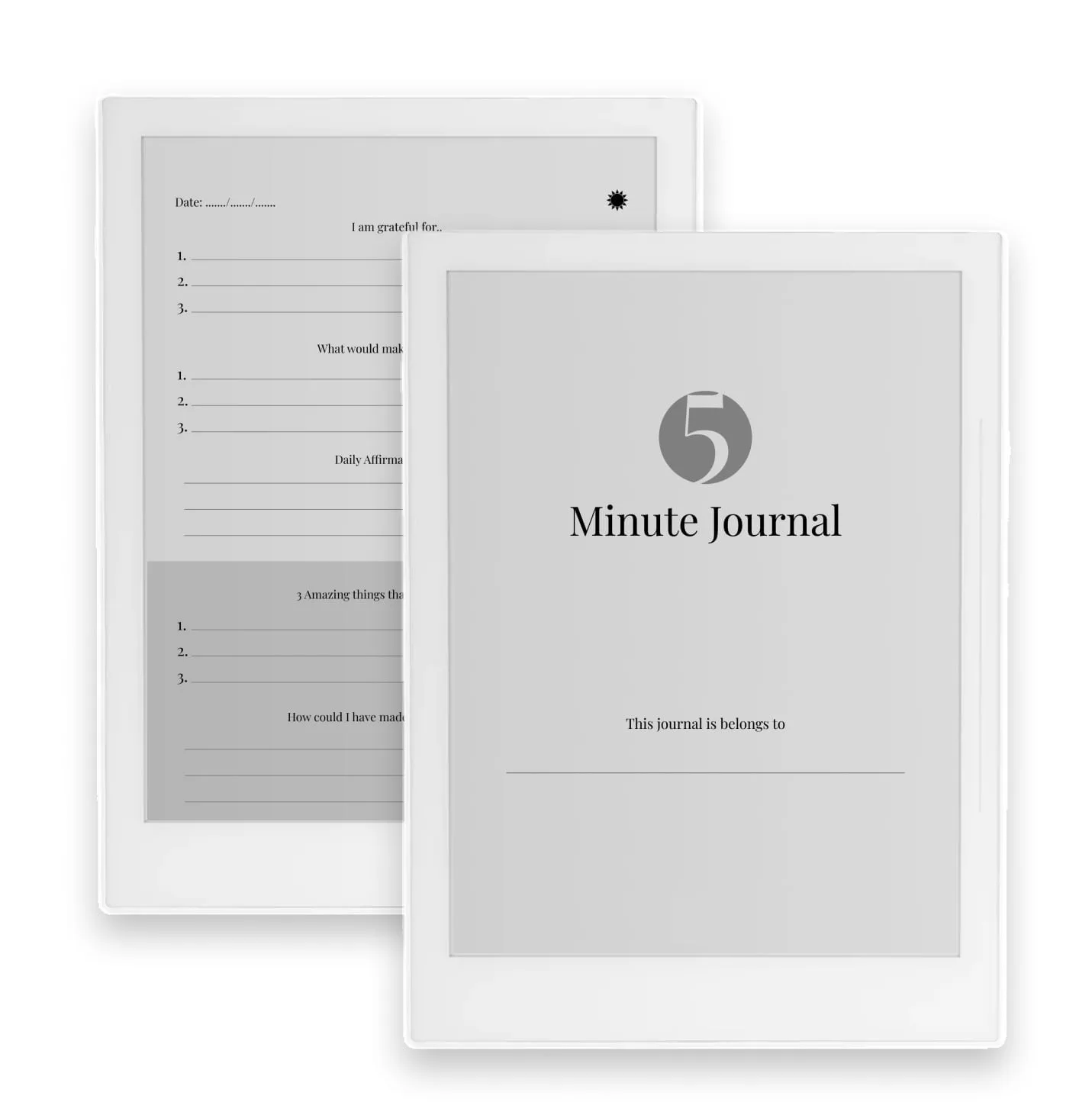
E-ink templates
Journals, music sheets and screensavers sized for Supernote, Boox, reMarkable and Kindle Scribe.
Journals and notebooks
See all 6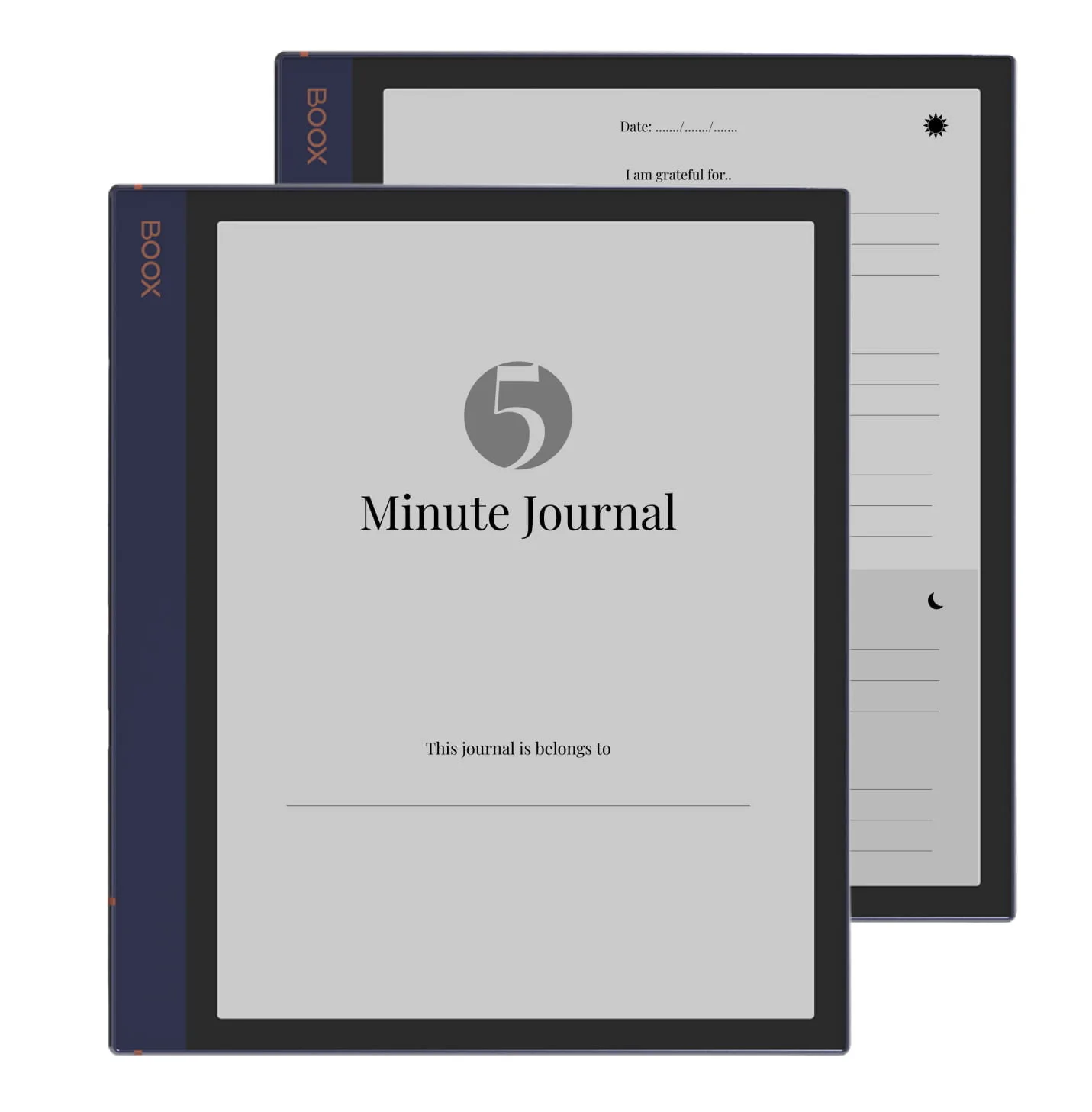
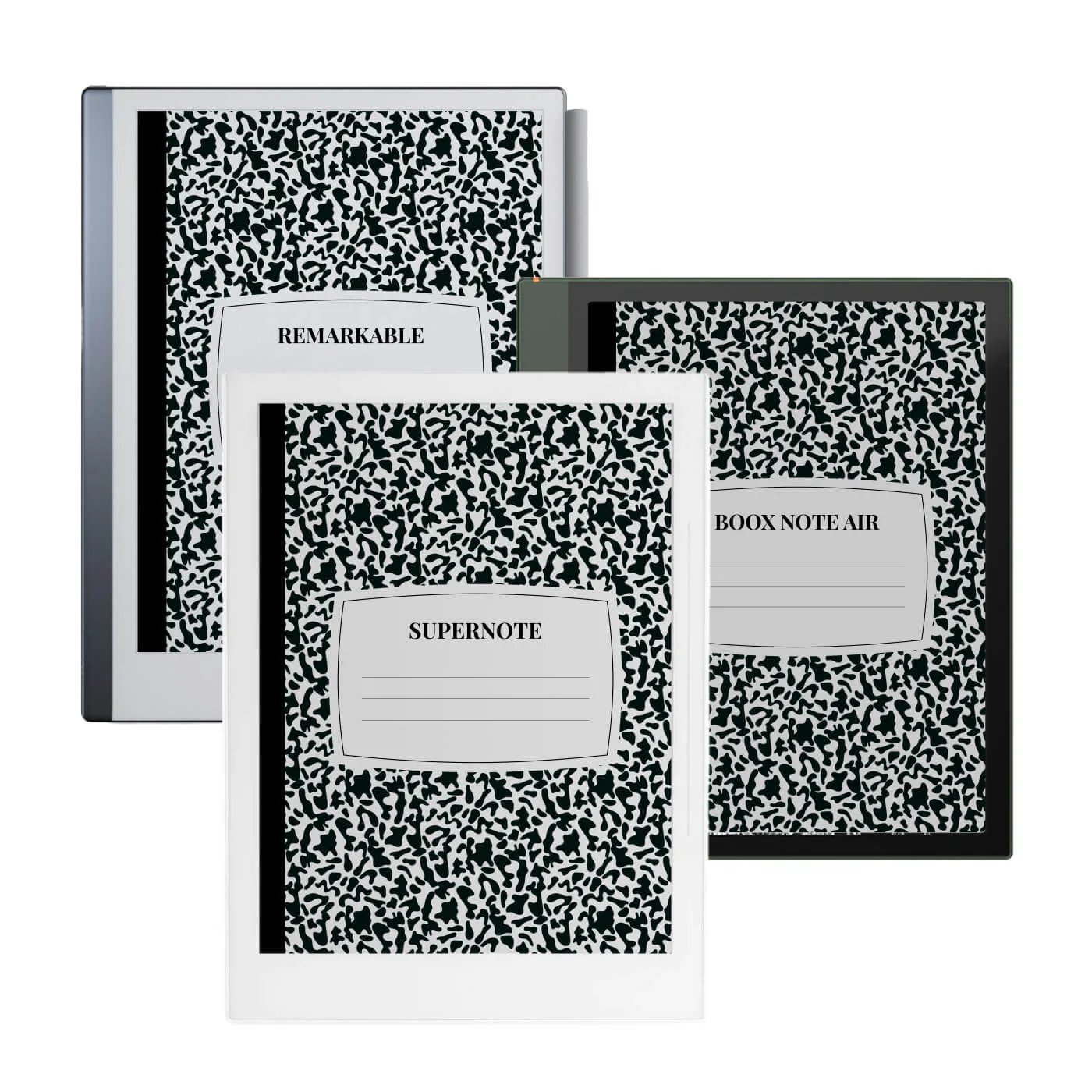
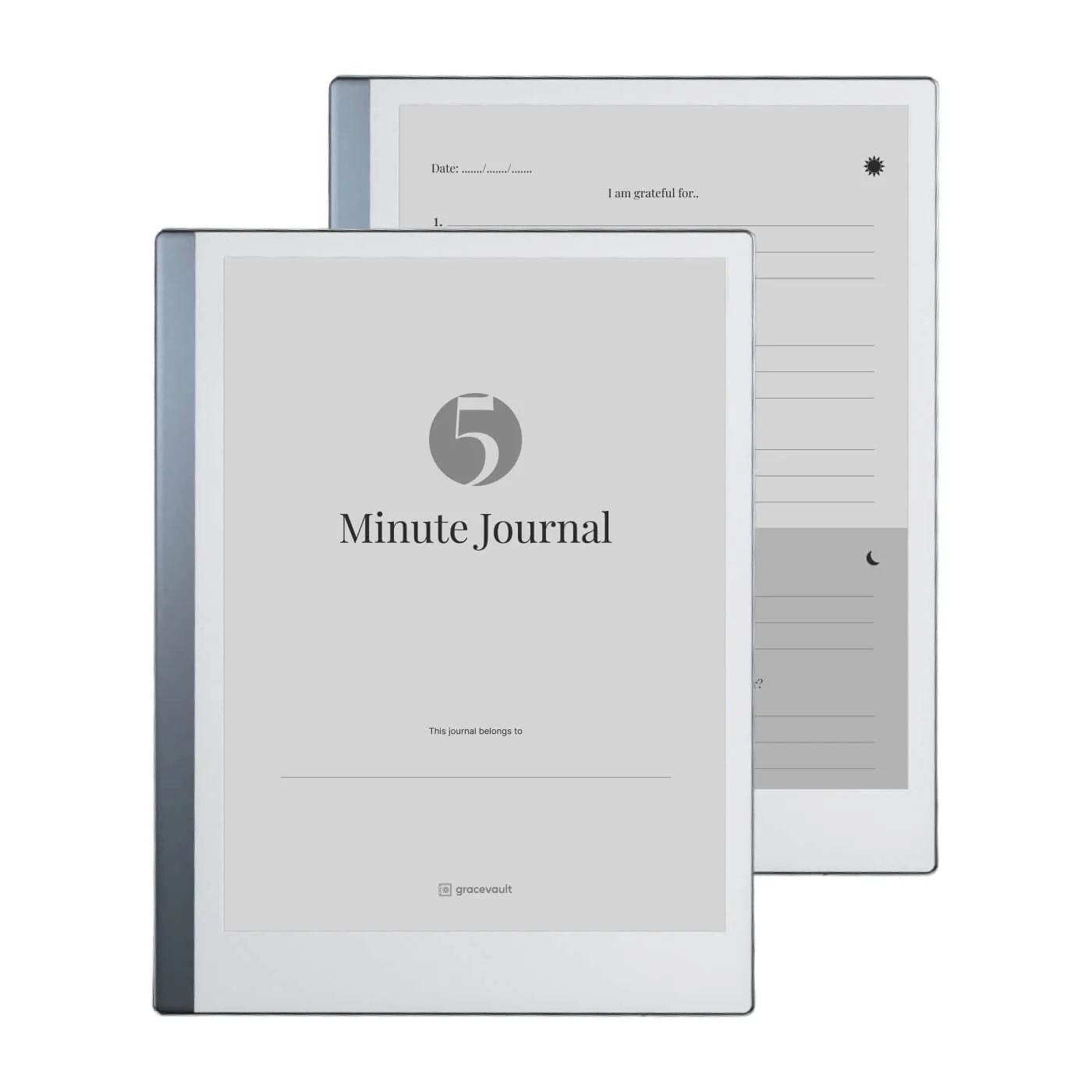
Music templates
See all 5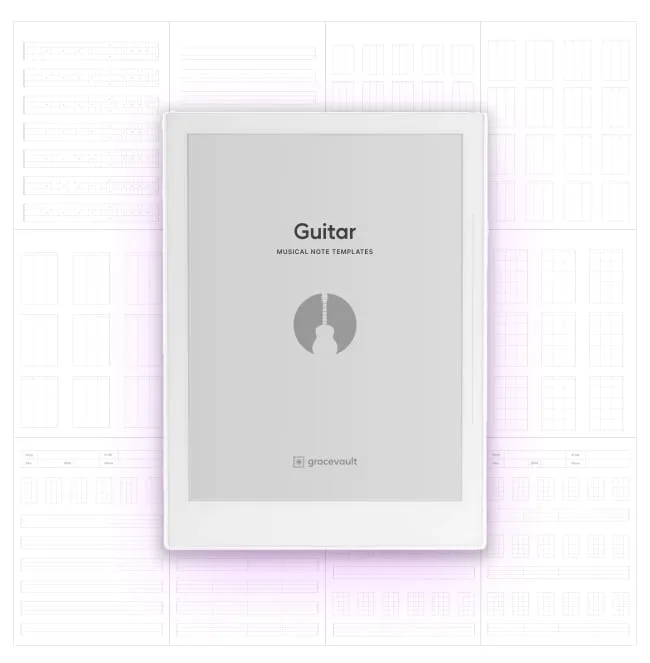
Guitar Musical Note Templates for Supernote, Boox Note Air & reMarkable
$9.99
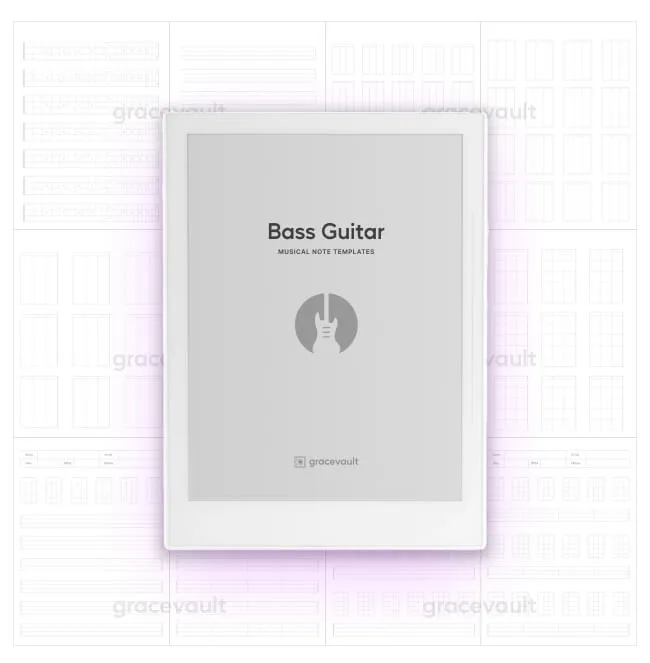
Bass Guitar Musical Note Templates for Supernote, Boox Note Air & reMarkable
$9.99
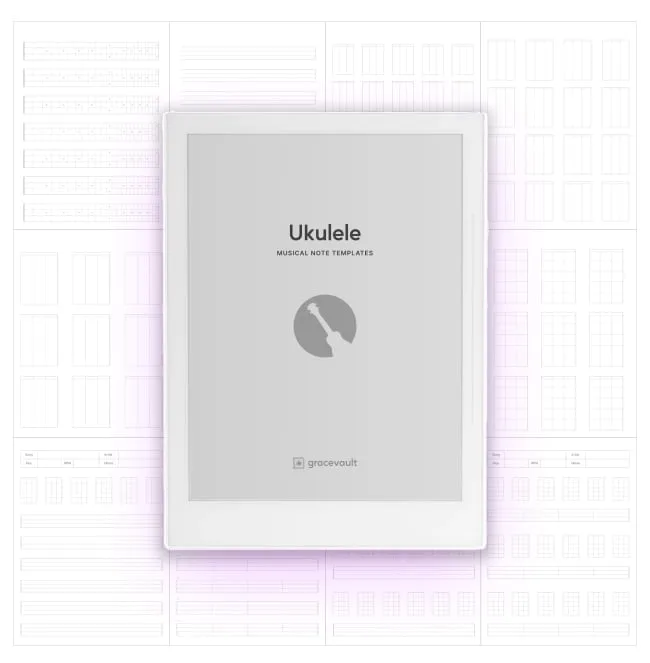
Ukulele Musical Note Templates for Supernote, Boox Note Air & reMarkable
$9.99
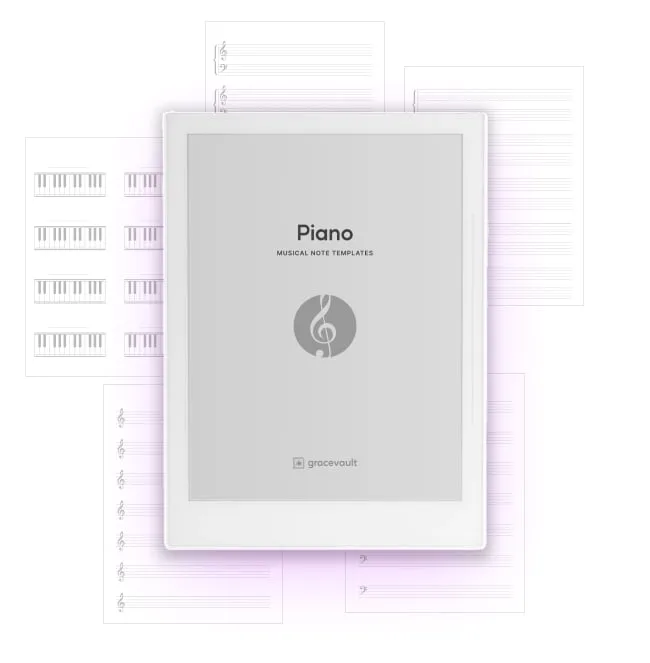
Piano Musical Note Templates for Supernote, Boox Note Air & reMarkable
$6.99
Screensavers
View screensavers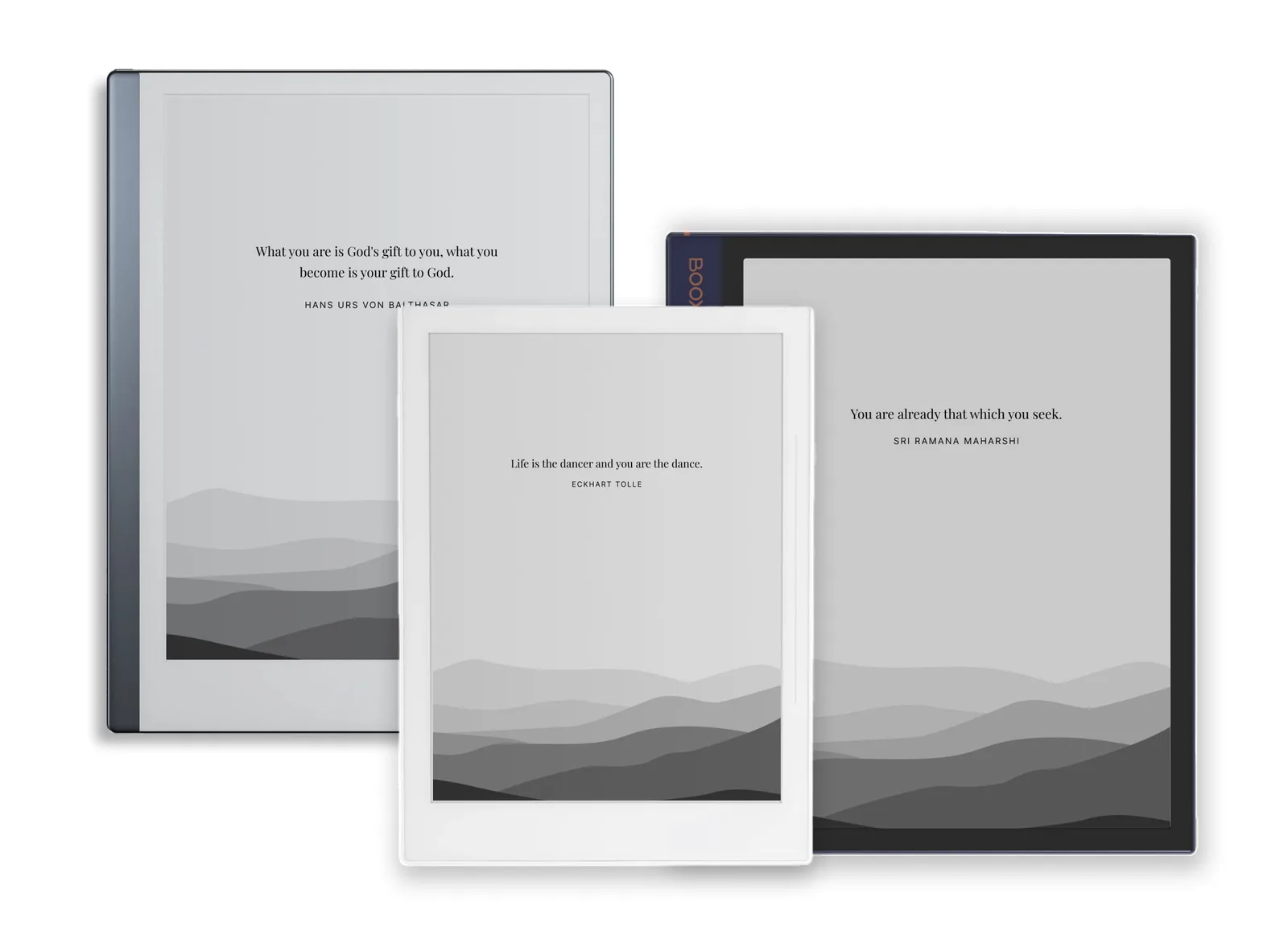
New templates, first
Get an email when a new template comes out.
From people who use them
Read all reviews“I'm a huge fan of 5 Minute Journal and Supernote. This is why I'm so glad I found this 5 Minute journal template for Supernote! I use the png as my background template in the notebook instead of the pdf and I'm also very happy with the results. The best part is I no longer need to buy another physical journal.”
Joe Roman, verified buyer★★★★★ “This Five Minute Journal template is fantastic. I've been practicing FMJ in my supernote for a couple of months now, but I really like this template because it makes journaling so easy. This helps me evaluate my day positively. I absolutely love it.”
Mifrah Ziyard, verified buyer★★★★★
Questions
All questionsWhat is GraceVault?
GraceVault is a small independent shop, started in 2022, that makes digital templates for e-ink tablets: journals, notebooks, music sheets, wireframing kits and screensavers for Supernote, Boox, reMarkable and Kindle Scribe. It is run by Aslam Najeebdeen and owned by Frontcube LLC.
Which e-ink tablets do GraceVault templates work on?
Supernote (A5 X, A6 X and Manta), Boox Note Air (Note Air, Note Air 2 and Note Air Plus), reMarkable 2 and reMarkable Paper Pro, and Kindle Scribe. Each product page lists the tablets it is made for.
Do the templates work on Kindle Scribe?
Yes. The Kindle Scribe gets the same files as the reMarkable version, because both screens have the same 4:3 shape, so every page fits edge to edge. Send the PDF to your Scribe and write on it with the pen.
What file formats are included?
Most templates come as a PDF you can write in directly, plus PNG templates you can set as the page background of your tablet's own notebooks on Supernote and Boox. Each product page lists its files.
How do I get the files after I buy?
Checkout is handled by Lemon Squeezy. As soon as you pay, you can download the files, and a receipt with the download link is emailed to you. There is nothing to ship and no account to create.